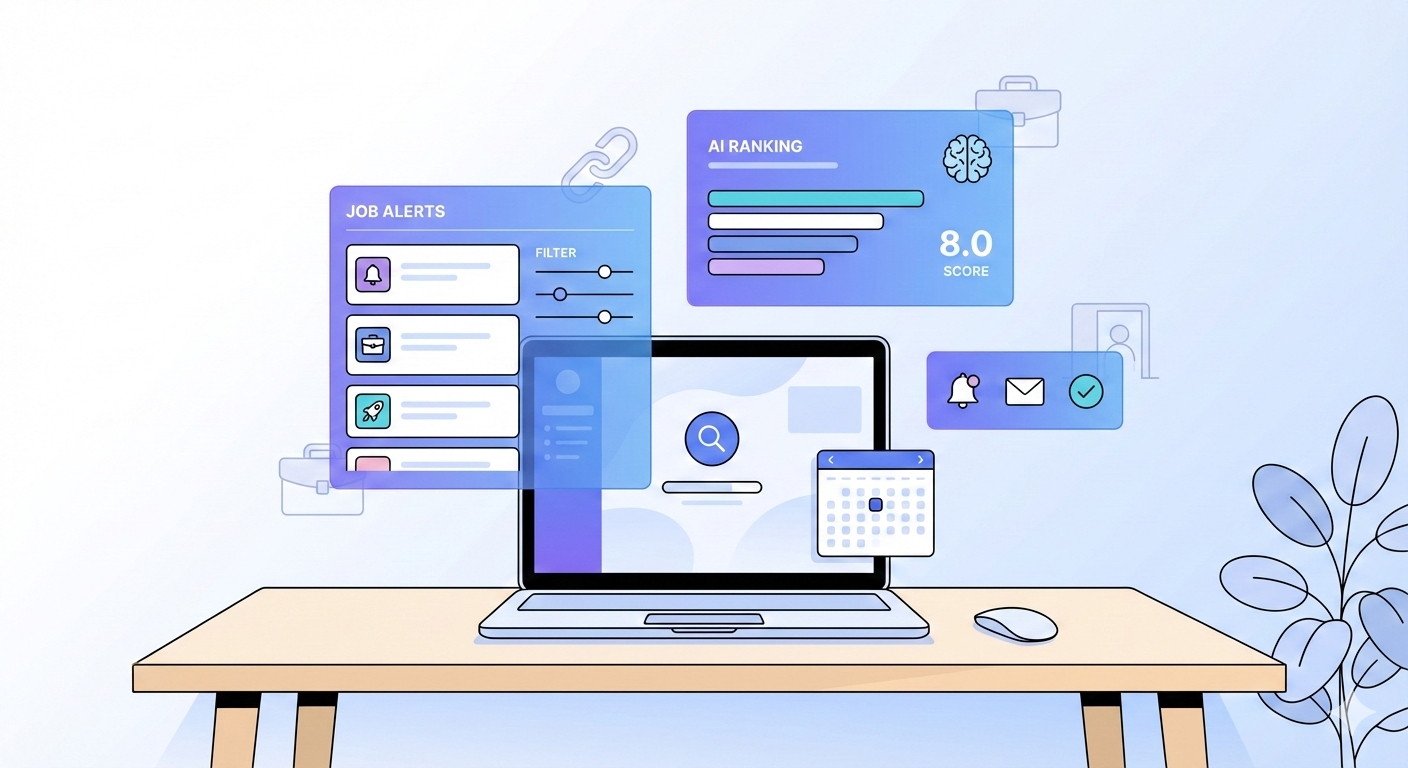
How to Set Job Alerts That Actually Work in 2026 (Across LinkedIn, Indeed & More)
1. The Problem With Traditional Job Alerts
Job alerts are supposed to save time — but in 2026, most people are drowning in them.
Between LinkedIn, Indeed, and Glassdoor, you’re likely receiving 30+ daily notifications… and still missing the right jobs.
Why Traditional Alerts Fail:
- Broad keywords (e.g., “marketing”) trigger unrelated jobs.
- Duplicate listings appear across multiple sites.
- Outdated postings still get included.
- One-size-fits-all filters ignore your experience level or salary range.
💡 Result: You waste time sorting through noise — or worse, you miss high-quality roles because they’re buried.
2. The Alert Overload Problem
Symptoms of Alert Burnout:
- Hundreds of unread “new job” emails
- Getting alerts for the same role across 4 platforms
- Receiving entry-level or irrelevant listings
- Notifications that come too late — after jobs are already flooded with applicants
This happens because most job platforms rely on keyword-matching, not contextual AI.
They don’t understand your intent — they just push everything that includes your keyword.
3. Why AI-Based Filtering Is the Future
Enter AI job filtering — the smarter, faster way to find relevant openings in 2026.
Instead of matching raw keywords, AI models now analyze context, seniority, industry fit, and even career trajectory.
AI Filtering vs. Traditional Alerts
| Feature | Traditional Alerts | AI-Based Alerts (Job Autobot) |
|---|---|---|
| Keyword Match | Basic string matching | Semantic relevance (contextual) |
| Duplicates | Common | Automatically removed |
| Personalization | Minimal | Learns from your past clicks |
| Platforms | Single-site only | Multi-source (LinkedIn, Indeed, Glassdoor) |
| Timing | Batch notifications | Real-time delivery via Telegram or Web |
AI turns job alerts into a smart assistant — not a spam machine.
4. How to Set Smarter Job Alerts (Step-by-Step)
Let’s fix your alerts so they actually work.
Step 1: Define Laser-Focused Keywords
- Use specific job titles (“Senior Growth Marketing Manager”) instead of broad ones (“Marketing”).
- Include key skills or tools (e.g., “Python Developer Django”).
- Add location or remote preference in the query (“Remote | Austin, TX”).
Step 2: Apply Filters by Salary, Level, and Company Size
Each platform allows basic filters — but most job seekers skip them.
- LinkedIn: Filter by “Experience Level” → “Mid-Senior.”
- Indeed: Set “Salary Estimate” and “Job Type.”
- Glassdoor: Filter by company rating and benefits.
Step 3: Combine Alerts Across Platforms
Manually combining alerts can be tedious — but essential.
You want to track the same type of role across all major sources, without getting duplicates.
5. Real-World Examples of Properly Set Alerts
Here’s what optimized alerts look like when set properly (and later automated via Job Autobot):
✅ Example 1: Software Engineer (Remote)
- Query: “Software Engineer” AND (“Python” OR “Django”) AND Remote
- Platforms: LinkedIn + Indeed
- Filters: Full-time, $90k–$140k, 5+ years experience
✅ Example 2: Marketing Director (Europe)
- Query: “Marketing Director” AND (B2B OR SaaS) AND (Hybrid OR Remote)
- Filters: Europe, Senior Level, Marketing/Advertising
✅ Example 3: Product Manager (Tech Startups)
- Query: “Product Manager” AND (“Series A” OR “Seed”) AND “Tech”
- Filters: Startup filter on Glassdoor + remote allowed
💡 Each of these can be saved once and piped into Job Autobot for real-time alerts.
6. How Job Autobot Makes Alerts Actually Useful
Instead of managing three dashboards, Job Autobot unifies them — pulling listings from LinkedIn, Indeed, and Glassdoor into one smart feed.
How It Works:
- Connect your Job Autobot account (via Web or Telegram).
- Choose your keywords + filters.
- AI ranks job matches based on your skills, CV, and preferences.
- Receive alerts instantly in Telegram or via email summary.
No duplicates. No spam. No missed opportunities.
Key Benefits:
- Real-time alerts when jobs go live
- AI scoring for relevance
- Telegram notifications = faster apply times
- Built-in CV match rating
🧠 Job Autobot even learns your behavior — improving its accuracy the more you use it.
🚀 Set Smart Job Alerts That Actually Work
Stop sifting through irrelevant listings — let AI bring the best ones to you.
With Job Autobot’s smart job alerts, you’ll cut your search time in half and double your interview opportunities.
👉 Set your AI-powered alerts now inside Job Autobot (Telegram/Web) — Get real-time, cross-platform job updates — personalized just for you.
FAQ: Smart Job Alerts in 2026
Q1: Are job alerts still useful in 2026?
Yes — but only when powered by AI. Traditional alerts flood your inbox with irrelevant results, while AI filters bring precision and timing.
Q2: Why do I keep getting duplicate job alerts?
Platforms often share the same listings. Job Autobot removes duplicates by cross-referencing URLs and company data automatically.
Q3: Can I use one system for all alerts?
Yes. Job Autobot integrates LinkedIn, Indeed, and Glassdoor into one dashboard — plus Telegram for real-time notifications.
Q4: How does AI ranking work?
Job Autobot’s AI matches jobs against your CV, skills, and preferences — assigning a “fit score” so you can prioritize the best roles first.
Q5: How do I stop alert overload?
Use precise keywords, salary filters, and AI scoring to narrow results. Job Autobot does this automatically.